
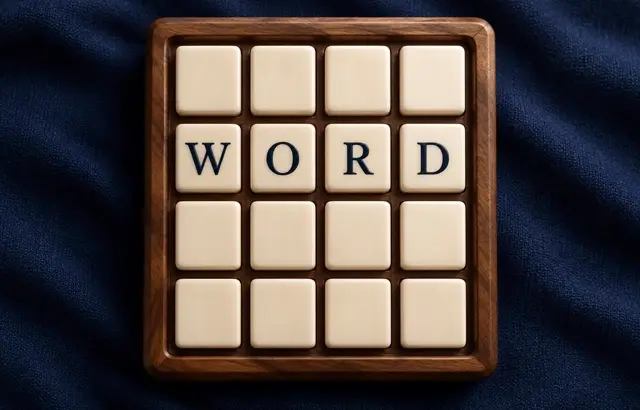
Word Squares
Sound
Short game sounds play only after you interact. Volume zero mutes sound immediately.
Play Word Squares free online in your browser. No download or sign-up required.
How to play
The letters of a 4×4 word square have been mixed up. Tap two tiles to swap them, and keep swapping until every row and every column spells a real four-letter word. In a finished square, the words read the same across and down. Easy locks the diagonal tiles in place; hints lock one more correct tile.
Playing this version
Choose two unlocked tiles to swap. Easy locks the diagonal; Hint locks another correct letter. Swap count measures how efficiently you solve.
A useful example
A square reads the same across and down: row 2 column 3 must equal row 3 column 2. Fixing one word can help a crossing, but each row alone is insufficient. Complete the symmetric square to win; there is no loss limit on swaps.
Progress saves in this browser when local storage is available. Clearing site data removes saves.
Tips
- Locked letters are already correct — build around them.
- Fill the row with the fewest possible words first.
- Use the row hints to check your guesses.
Common mistakes
- Fixing a row without checking the matching column, since the square reads the same across and down.
- Swapping without a plan — the swap count measures how efficiently you solve.
Questions players ask
- What is a word square?
- A grid where the same words read across and down. In this 4×4 version, row 1 and column 1 spell the same word, row 2 and column 2 the same word, and so on.
- How do you solve a scrambled word square?
- Swap two tiles at a time. Fix the row with the fewest possible words first, then use the matching column to check it, since every letter belongs to one across word and one down word.
- What do Easy mode and hints do?
- Easy locks the diagonal tiles in their correct places from the start. A hint locks one more correct tile. There is no swap limit, but fewer swaps is a better solve.
More word games



Bookmark this game
Computer: press Ctrl+D (Windows/Linux) or ⌘+D (Mac), or click the star in the address bar.
iPhone/iPad (Safari): tap the Share button, then “Add Bookmark”.
Android (Chrome): tap the ⋮ menu, then the star.
Add to Home Screen
iPhone/iPad (Safari): tap Share, then “Add to Home Screen”.
Android (Chrome): tap the ⋮ menu, then “Add to Home screen”.
It's optional — the games work the same in your browser.